
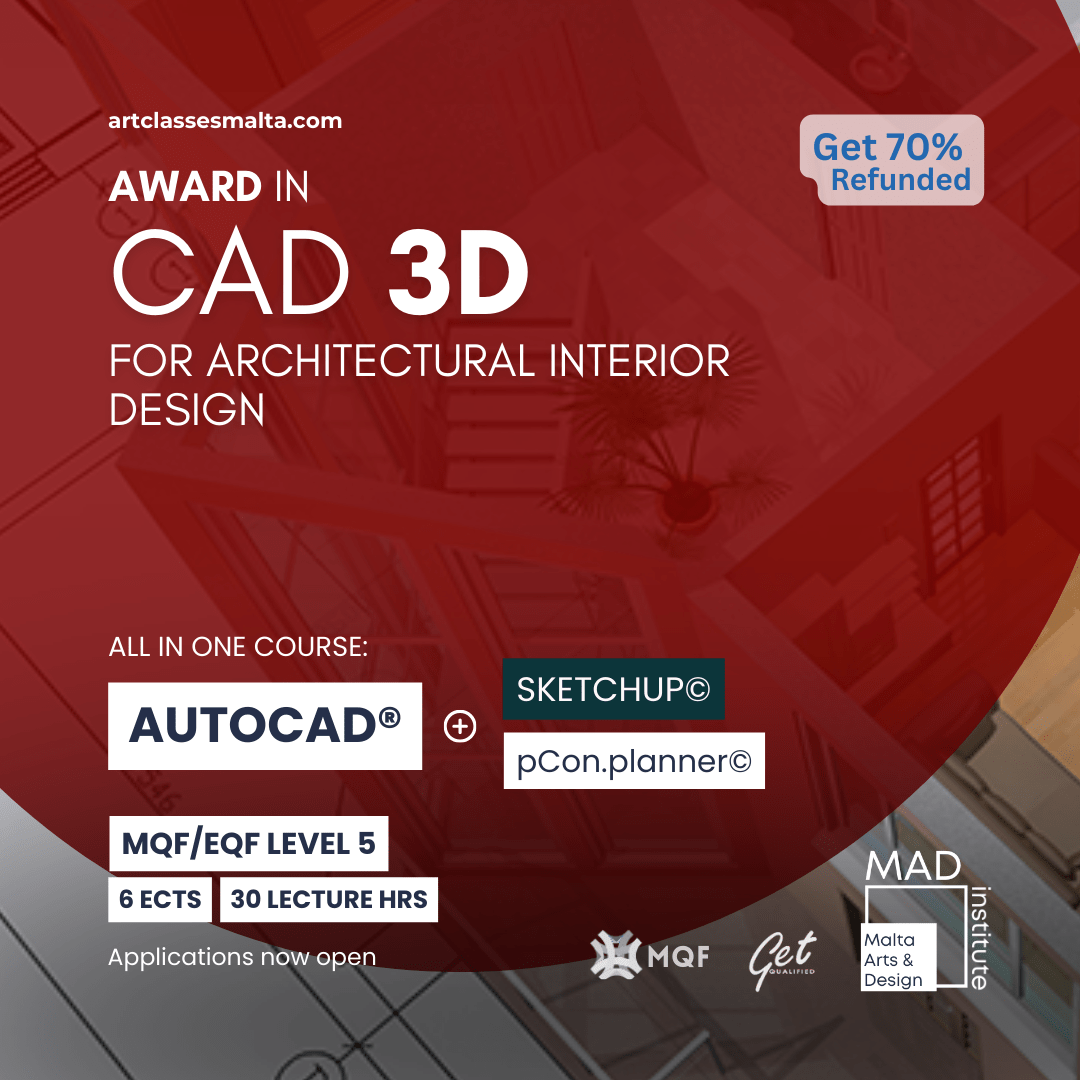
Course Description
Course Overview
The programme aims to provide participants with a comprehensive understanding of CAD (Computer Aided Design) software, focusing on the foundational skills required for 3D design and the production of presentation level 3D visuals and renders.
The Multi-software and mixed media approach ensures a solid foundation, merging manual design skills in design visualisation, intuitive 3D modelling software, various strategies for communicating design intention in 3D through the maximisation of varied software platforms using: AutoCAD 3D, p.Con.planner and Sketchup
Participants will develop proficiency in understanding 3D Space, solving spatial problems, imagining spaces in 3D and conveying ideas through the approach of real-live case studies related to Interior Design. The course fosters critical thinking, problem-solving, and collaborative skills, preparing students to tackle architectural and design challenges effectively.
Who is this course for?
This course is ideal for intermediate architectural interior design learners and practitioners who wish to develop a wide foundation in designing in and through 3 Dimensional (3D) drawing methods and the proficient use of digital tools and Computer Aided Design industry relevant tools and software. It’s targeted towards aspiring architects, designers, engineers, and interior retail and real-estate professionals seeking to enhance their visual, digital and graphic communication skills with a multi-platform approach , including, but not limited to AutoCAD, Sketchup and p.Con Planner (or similar) along with a focus on rendering and conveying bespoke interior spaces.
Since AutoCAD 3D builds on the foundation knowledge of ACAD 2D, it is recommended that some experience in 2D CAD platforms is held. Learners with no prior experience with any 2D CAD or technical draughting may opt for Part A of this course as an informal stand-alone module only.
This course is highly-recommended for:
- Interior architectural designers for residential, commercial, and public spaces.
- Aspiring architectural Interior designers.
- Real estate professionals and consultants, aspiring to add value to on-plan properties through interior design visualisation.
- Sales consultants in the design and supply of Interior and exterior furnishings, fittings, fixtures and bathrooms.
- Design visualisation professionals, Architectural and property marketing and sales, Property staging professionals.
Prior Experience: 2D CAD proficiency and skills are highly recommended.
Study mode: Project-based (exam free) | Duration: circa 30 hours (Lectures)
Total hours of Learning: 150 – incl. Lectures (30); Placement/Practice (20); Assessment/Project work (30); Self study (70)
Entry level: Beginner course. No prior experience or knowledge required
Qualification: Award EQF/MQF 5 | 6 ECTS
What will you Learn after this course?
At the end of the module/unit the learner will have acquired the following knowledge, skills and competencies:
For Part 1: Start-CAD 3D:
●Determine the appropriate design communication approach and tool for the relevant project, audience and scope.
●Model and visualise 3D space and design highly effective 3D models and visualisations.
● Learn Principles of 3D space and 3D design development as well as communication ranging from manual to basic 3D drawing techniques towards accurate and photorealistic spatial design rendering and concept visualisations.
●Learn industry relevant and leading tools on the market, with an awareness on platform selection, portability, transferability and professional practice.
●Develop rapid sketching skills in conjunction with development of digital 3D models.
●Use efficiently intuitive 3D modelling tools to produce multiple fast 3D modelled concepts.
For Part 2: PRO-CAD 3D CAD – AutoCAD
●Navigate the AutoCAD 3D interface, customize the workspace and model solid primary forms into detailed, bespoke architectural objects.
●Work with solid and surface geometries in AutoCAD 3D..
●Elaborate designs and accurate 3D representations of architectural spaces.
●Convey spatial features of an architectural space to a high level of photorealism, manipulating and maximising rendering tools
● Evaluate, Develop and present between different detailed design proposals through professional level visualisation material produced.
●Understand AutoCAD’s 3D drawing, modelling, editing and rendering standards and procedures.
●Employ strategies for producing high quality environments and visual renders in AutoCad
●Explore fundamental and advanced 3D design techniques aided by CAD to produce consistent and iterative design documentation and presentations.
●Efficiently create and manage blocks, objects, layers and properties in AutoCAD when handling 3D models.
●Produce detailed 3D designs with some accuracy, preparing also environment specific textures, lights, and digital tools.
●Control viewports and viewing angles including sectional or occluded views by using layers, sectional planes and layout tools.
●Export high quality 3D visual material as required from AutoCAD.
●Present digital design proposals to potential clients and stakeholders.
Project-work
This course is 100% project-based. Throughout this course you will be challenged across different levels, technical and creative aspects through:
- Group Assignment:
Shared design development using shared resources and collaborative tools including those offered in AutoCAD and others explored. Role taking in designer-client relationships thus developing and solving shared projects or tasks.
2. Final project assignment and assessment
Students work on completing their final design project, applying all skills learned throughout the courseand by a specified deadline – reflecting real-time industry demands and expectations.
Preparation and presentation of the final design proposal, showcasing creativity, innovation, and proficiency in AutoCAD and application of design communication and presentation skills.
Example Project Situations:
- Repurposing of a small (fictitious) military building typically found in Malta (e.g. WWII concrete pillbox)
- Tiny B&B Oasis – Design a limited hospitality space
- Living room re-modelling and makeover.
Further project details and criteria will be discussed by the tutor during the course of the program. Projects may be modified from time-to-time reflecting interests, industry and relevance.
Recognition and Certification
A certificate is presented to students who successfully complete the course. The criteria for a successful completion is based on
i. An active participation and attendance of not less than 70% of a course.
ii. High quality work and performance are reflected throughout the culmination of projects and creative tasks assigned throughout the course.
Further note: In adherence to our Recognition and Certification policy and upon feedback, students failing to meet the course completion criteria on their first attempt will be granted two re-submission opportunities. If criteria are not met after the second attempt, it will result in a failed status, necessitating a retake of the course.
Language(s) of instruction: English (primary) and Maltese
Target audience: 16+
Mode of delivery: Hybrid / Online / Face-to-face
Resources needed:
- Workstation/ laptop with access to Microsoft suite,
- CAD software including Sketchup online, P.CON Planner and AutoCad software (provided)
- Note: Hardware requirements for CAD may vary but a minimum of 8GB RAM, 8GB storage and mid-level processor are required. For optimal performance during rendering, a dedicated GPU of minimum 4GB RAM is highly recommended.
Note: Students will receive a free copy of the latest AutoCAD software, which they can use for the duration of the course.
Entry Requirements:
- Understanding and speaking of English language
- Basic digital literacy / competence; such as use of internet browsing, Office suite and Powerpoint or similar
- Motivated students with a willingness to learn new creative skill sets
- Having attended the previous CAD 2D or AutoCAD 2D, or similar is recommended as a prerequisite.
Upcoming commencement Dates*:
June; Oct 2026
Times: 6:30-8:30PM
Mode of Study: PARTTIME
Duration: <1 year
Christmas Break: Dec 24th 2023- Jan 6th 2024
Easter Break: 9th- 22nd April 2024
*Dates are tentative and class schedules are subject to change. No sessions are held during public holidays.
Can’t commit now? Register to Stay tuned about upcoming classes.
And benefit from periodic enrolment discounts!
Kindly only register if you are interested in undertaking this class and wish to receive early upcoming course announcements.
Program outline
Pt 1. Start-CAD 3D - Exploring the wider field of 3D Design
This is a foundational module that introduces learners to 3D design through a multi-platform approach, including SketchUp (or similar), P.Con planner (or similar) and AutoCAD. Learners develop spatial understanding, formal 3D drawing techniques, and intuitive 3D modelling, with a focus on both design development and communication.
Through this module learners are tasked with a number of smaller tasks building towards a project presentation which highlights the ability to communicate design ideas through 3D design.
Key Topics taught during this module:
- Session 1: Intro to 3D design, through manual and digital drawing aids.
- SketchUp [SU] * (online open licence version) is introduced and used immediately as a spatial modelling tool for forms, objects, downloaded models and Interiors.
- Different 3D design software options and workflows.
- 3D surveying and dimensioning tools.
- Run through the SU interface and basic tools, 3D warehouse.
- Session 2: Visualising 3D interiors:3D Pictorial design visualisation skills
- Using SU visual styles, views, projections and scenes.
- Sketching using Isometric and Oblique drawing techniques.
- Adding perspective in SU and developing hand-sketching perspective alongside the use of software.
- Converting 2D plans to concept rooms in SU.
- Materials, textures and basic shadow settings.
- Task to develop hybrid design board adding design development.
- AI as a rendering tool- demo and discussion.
- Session 3:Design organisation and layering: Intermediate SU workflow, tools and interface use.
- Component, group design and organisation.
- Layers/tags in SU
- Basic scenes, hideaways and video walk through.
- Critical discussion through case studies on selecting visualisation level for different contexts and budget.
- Task to present a short video walk through using SU of contextual project proposal.
- Session 4: Going for impact and detail: SU Vs other platforms.
- Materials and manufacturing, the (human) intelligence of form. Study on making sense of solid materials, their construction and materiality.
- Demo using pCon.planner [p.Con] software in modelling same project, exported from SU, advantages, differences.
- Viewports in p.Con, 3D warehouse.
- Render engine and Light in p.Con, a similarity to most high end 3D rendering engines. (Case studies)
- Research task on different platforms, work on presentation of selected 4 software platforms highlighting advantages.
- Session 5: Developing 3D design mastery.
- Demo of AutoCAD 3D
- Annotations and sketch work integration
- Project work as per assignment- 3d Final design board
- Project tutorial 1: Assignment for START-CAD 3D to include work from all sessions and a contextual development of a design concept proposal supported by sketches, work on SU and 3D visuals.
Pt 2 Part B- PRO-CAD 3D using AutoCAD- Modelling for the professional architectural-interior-design
This module includes built-in rendering capabilities, industry-level rendering solutions, and a case study project to foster entrepreneurial and creative skills. Specialising on use of AutoCAD 3D modelling tool for architectural development and visualisation design.
Key Topics taught during this module:
- Session 1: Running ACAD 3D
- ACAD 3D workspace options
- Reference designs provided in CAD 2D
- Opening, setting parameters and saving
- Introduction to 3D workspace elements: viewports, UCS, navigation tools, shortcuts.
- Extrusion, revolution.
- Creating simple 3D objects
- Exploring additional 3D modelling techniques: lofting, sweeping, filleting.
- Introduction to solid modelling vs. surface modelling.
- ‘Importing design files in ACAD (e.g. dwx, dxf, CAD files) and using .pdf reference drawings as a starting point.
- Exporting 3D images and design files as required to either document the design or present further edited design documents (e.g. export rendered bitmap image to later compile as a pdf)
- Session 2: Creating and modifying 3D objects in ACAD
- Lofting, sweeping, and filleting techniques.
- Boolean operations, blending, chamfering. Exploring surface modelling tools for complex shapes and forms.
- Groups, objects and editing blocks.
- Experimentation through an open furniture item design task.
- Converting from 2D plans and building walls and architectural shells in 3D
- Module performance testing exercises – ‘Interface & Basic Modelling’ – Students do take home task with specific parameters and submit screenshot in stipulated timeframe.
- Session 3: Surface editing, materials and Rendering
- 3D solids and surfaces
- Understand the principles of surface modelling and editing.
- Insights on advanced engineering of materials, textures and construction.
- Applying materials to surfaces using libraries and imports.
- Exploring basic rendering and visualisation options.
- Enhance 3D models with textures, materials, and basic lighting effects for realistic rendering.
- Extended activity on product being modelled
- Session 4: Focus on 3D Environment design, light and output.
- Design for sustainable living, maximising natural light and harnessing natural elements.
- Concept Cottage building design task.
- Adding architectural details
- Artificial light integration
- Layering and part grouping in 3D ACAD for optimal representation of overlapping systems and components.
- 3D Sectional views, occlusions and visualisation enablers.
- Extended work on sample product preparation for rendering and inclusion in project.
- Module performance testing exercises – ‘Textures and Object Rendering’ – Students do take home task with specific parameters and submit screenshot in stipulated timeframe.
- Design Scope Vs Output – organising design effort according to audience and project scope.
- Project Tutorial 2: Design Brief for PROCAD 3D-ACAD Project
- Introduction to project scenario and task list
- Organising a design project
- Problem definition, brief and framing
- Class group discussion to develop different design perspectives in problem solving
- Student cross briefing assignment taking the roles as client-designer against each other.
- Design collaboration, sharing, shared libraries, client relations, shared development.
- Creative problem-solving variables and opportunities to add value.
- Design concept board development.
- Session 5: Advanced Rendering in ACAD
- Model, Visualize tab, workspace and viewport preparation
- Advanced material and environment properties
- Rendering options, exporting 3D models, using plug-ins and review of other rendering engines.
- Model refinement for desired render output, (Keeping drawings clean and tidy, regularly purging and controlling file size)
- Design Principles in image composition, colour balance and aesthetic considerations.
- Developing a rendering mood board as a design guide and a materials palette for coherent spatial architecture.
- Rendering and exporting 2D viewports as an enhanced means of conveying project and design information
- Session 6: Advanced custom modelling
- Detailing in 3D ACAD
- Custom exterior product design using basic components, arrays, and procedural design. (e.g.: a wooden awning, fence, gazebo, etc.)
- Advanced surface and texture optimisation
- Using extended material libraries and creating bespoke materials.
- Translucent and emitting materials
- Dynamic presentation options – when post-production on renders is required.
- Documenting, iteration and file organisation for advanced 3D projects.
- Project Tutorial 3: PROCAD 3D-ACAD Project execution
- Tutorial support with all learners to develop final project deliverables, troubleshooting.
- Project presentation support.
- Project submission timeframe.



Qualification

This IndustrySkills course is an EQF/MQF Level 5 Award (6 ECTS) titled ‘Award in 3D CAD for Architectural Interior Design’ officially accredited by the Malta Further & Higher Education Authority (MFHEA) and recognised under Further Education. The Award certificate will be presented to delegates upon successful attendance of all modules and completion of relative assessment (Project). — This continues to confirm the industry relevance of our programs.
Program funding options

GET QUALIFIED SCHEME
Students following the ‘Award in 3D CAD for Architectural Interior Design’ study programme can apply for the Get Qualified Scheme which will enable them to benefit from a tax rebate of 70% of the costs incurred!
Frequently asked questions
Is software included?
Yes, you will receive a free copy of the latest AutoCAD software, which you can use for the duration of the course.
All other software used throughout this course (Skethcup, PCONN etc..) may be available for free or through free trial version.
Is financial aid available?
Yes. In select learning programs, you can apply for financial aid under the Get Qualified scheme. Students who attend any of the eligible study programmes can apply for the Get Qualified Scheme upon successful completion which will enable them to benefit from a tax credit of 70% of the costs incurred.
The Get Qualified scheme is only eligible for Accreditation courses. Certificate level courses are ineligible for funding.
I'd love to enrol but my budget is limited. How can I go about this?
ACM offers students the chance to schedule 3 interest-free payments which gives them the freedom and flexibility to invest in their studies and still do the things they love.
EasyPay Scheme – Students may also opt for the EasyPay plan for longer instalment payments. For more info visit here
Funding – Students also have the chance to get 70% of their course fees back thanks to the Get Qualified Scheme.
In which countries will my certification be recognised?
What our students are saying
Other recommended courses
-
2D CAD for Interior Design
Take this course This product has multiple variants. The options may be chosen on the product page Sold By MAD Institute Malta -
Award in 3D CAD for Architectural Interior Design
Take this course This product has multiple variants. The options may be chosen on the product page Sold By MAD Institute Malta -
Award in Product Design for Interiors
Take this course This product has multiple variants. The options may be chosen on the product page Sold By MAD Institute Malta -
Award MQF level 5 in Landscaping Design
Take this course This product has multiple variants. The options may be chosen on the product page Sold By MAD Institute Malta -
Award MQF level 5 in Lighting Design for Architecture
Take this course This product has multiple variants. The options may be chosen on the product page Sold By MAD Institute Malta -
Sale!
CAD 2D+3D AwardsBundle (MQFs 5)
Select options Sold By MAD Institute Malta -
Game Design and Development
Take this course This product has multiple variants. The options may be chosen on the product page Sold By MAD Institute Malta -
Interior Design and Architecture
Take this course This product has multiple variants. The options may be chosen on the product page Sold By MAD Institute Malta -
Sale!
Starter AwardsBundle (MQFs 5): Interior Design + Architecture
Select options Sold By MAD Institute Malta




There are no reviews yet.